Getting the best EPoS performance
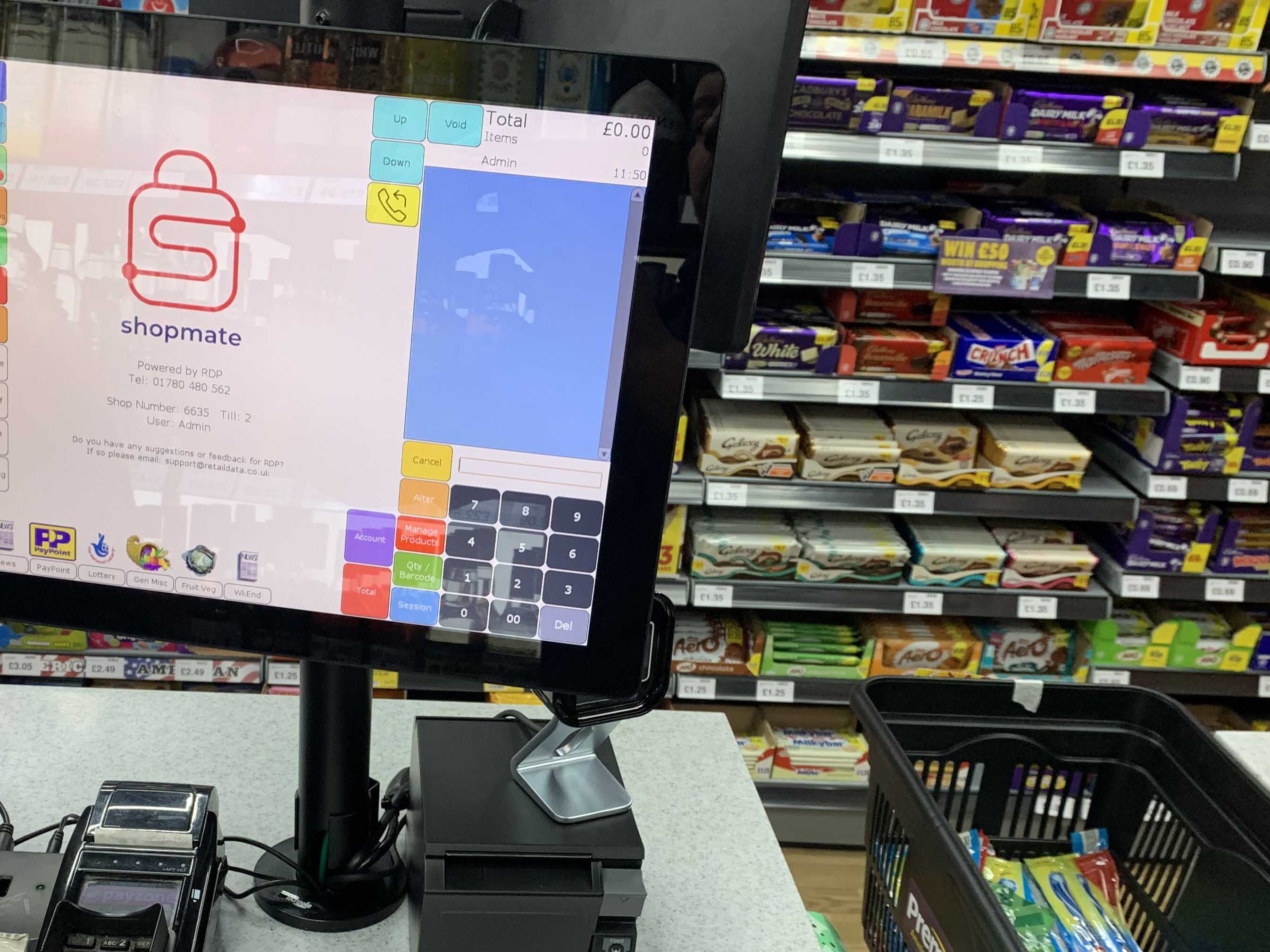
A ShopMate till does more than simply add up the transactions in your store. Our software provides you with regular price updates, reporting, security enhancements and back ups.
We keep logs of all the calls we receive in our Tech Support department – these technical calls can sometimes include issues or feature requests. Tech Support work closely with our in-house Developers to ensure issues are quickly ironed out and to keep the software feature rich and working efficiently for all our retailer customers.
We update our software during the evening hours to avoid any issues that could slow or stop your daily operations. Overnight we send updates to your tills – usually in batches to ensure a smooth transition. Updates can only reach tills that are left switched on.
We recommend that ShopMate tills are left on overnight. There are many benefits to leaving ShopMate switched on after your store closes:
- The tills perform automatic data backups to aid recovery in the event of an issue
- Prices, promotions, and product updates are completed
- ShopMate software is updated with new features, security enhancements, and issue resolutions
ShopMate does not consume excessive energy out of hours as it goes into a low-power mode.
Please leave your tills on to ensure a smooth and efficient experience using the ShopMate system.